The PDFKing Blog
Plain-language guides for getting things done with PDFs. Learn how to compress, split, merge and edit your files in a few clicks — every tool is free and runs right in your browser.
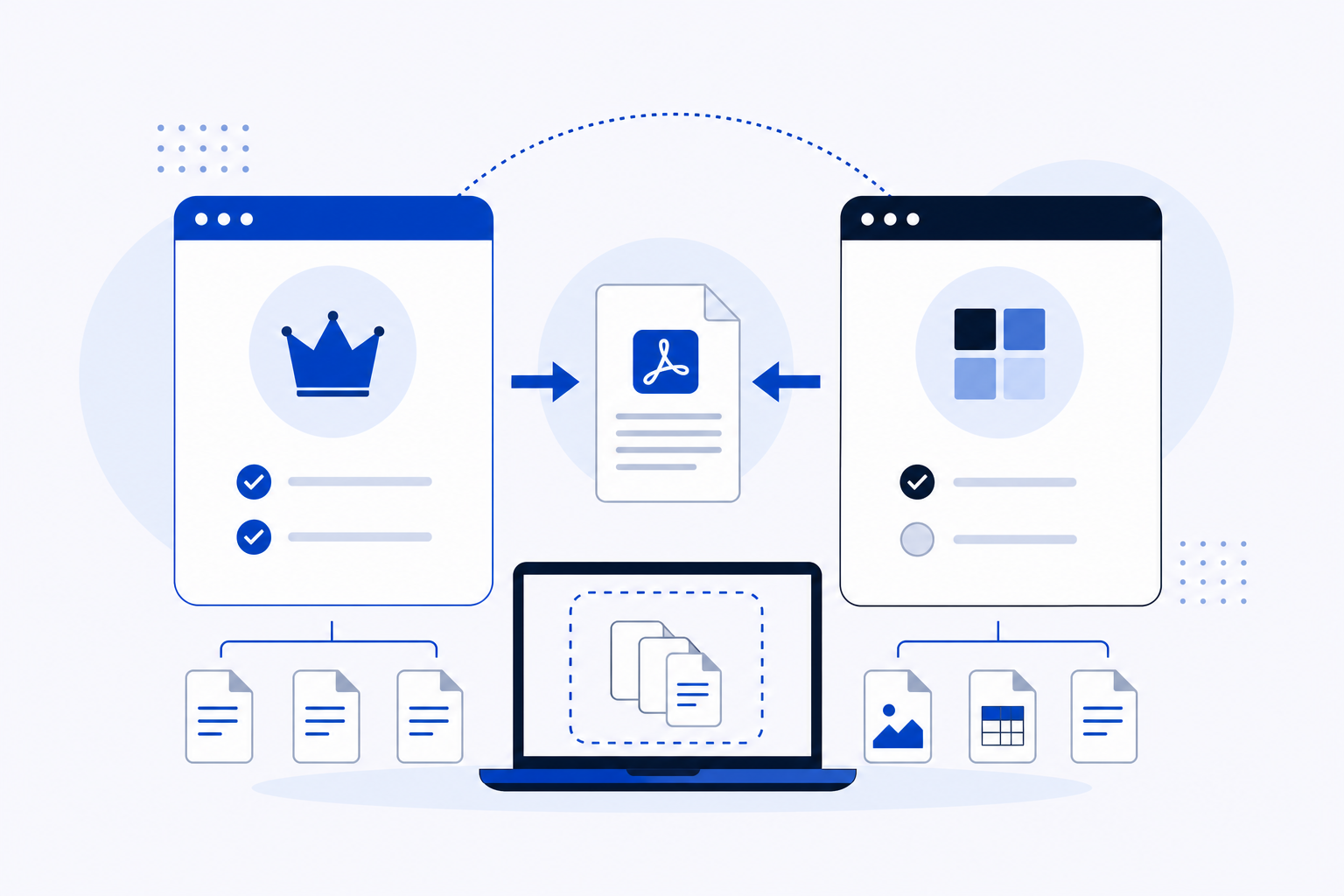
PDFKing vs Smallpdf: How to Merge Multiple PDF Files Online Without Installing Software
Merge PDFs online without installing software. A direct comparison of PDFKing and Smallpdf covering cost, daily limits, privacy, and which tool fits your workflow.
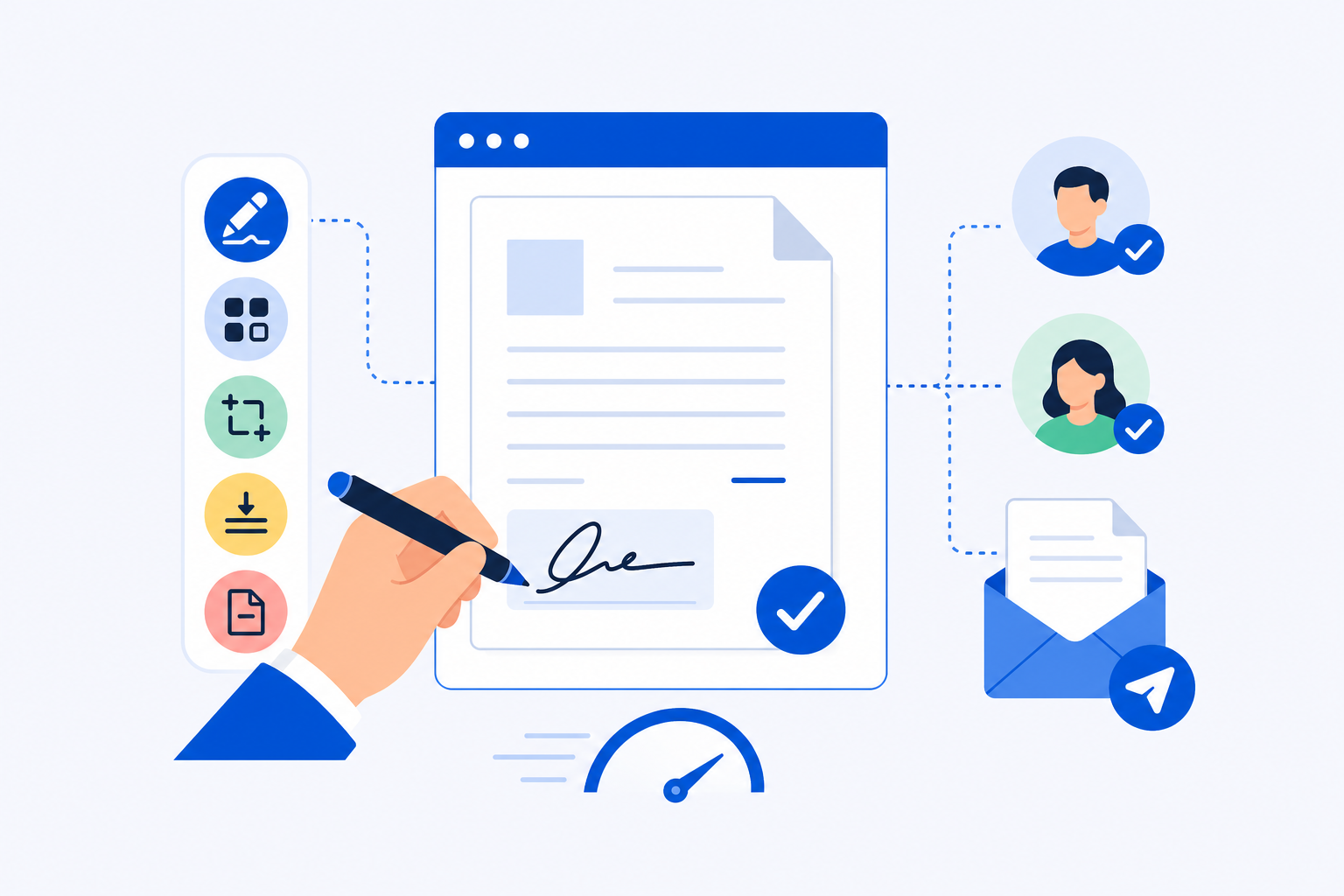
Best Free Tools to Sign and Send PDFs Fast for Small Business Owners (2026)
Discover the best online PDF tools for small business owners who need to sign and send documents fast, with free options compared side by side.
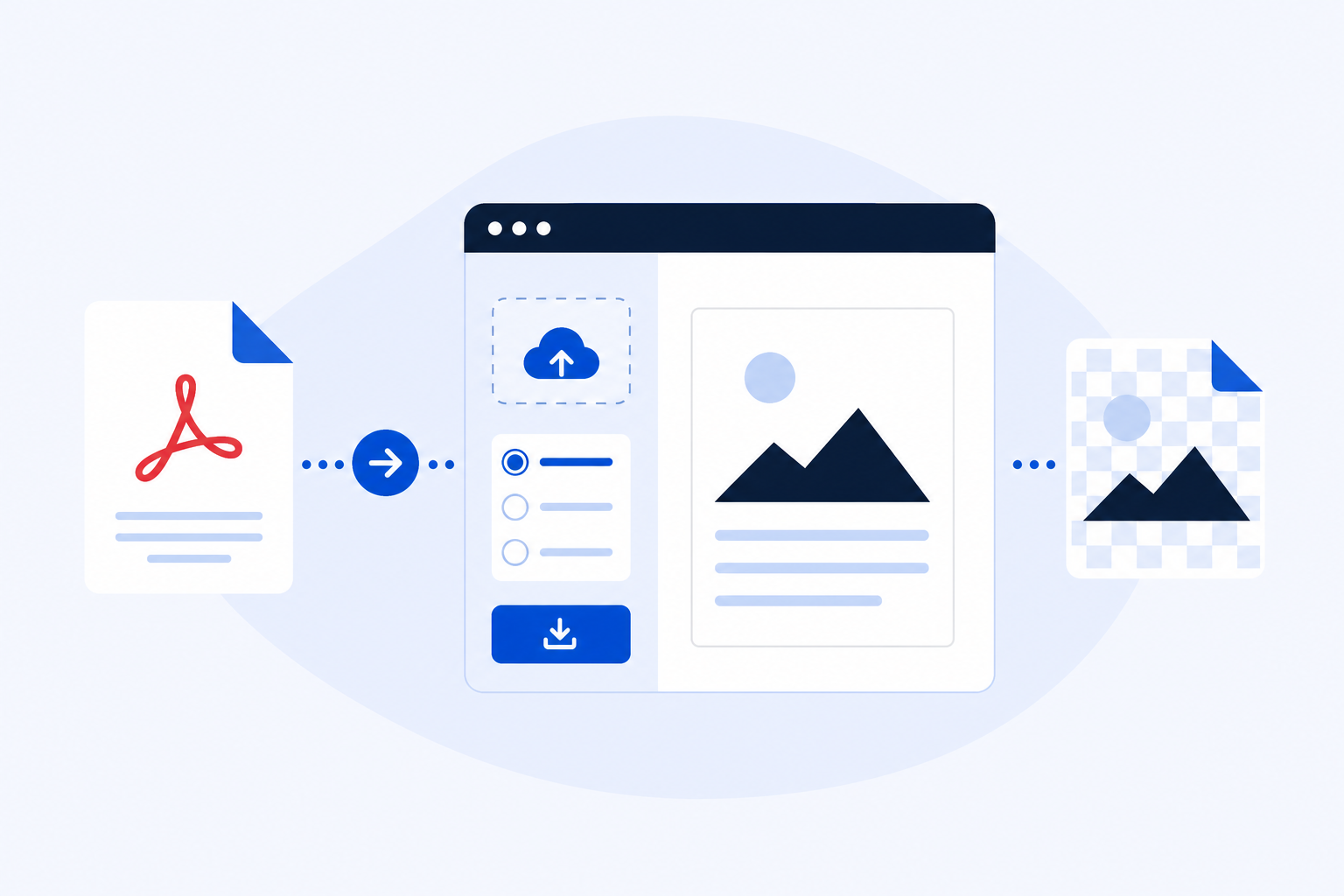
PDF en PNG converter gratis en zonder installatie nu
Convert pdf en png files completely free and without installation. Learn the best resolution settings and get sharp results in four easy steps.
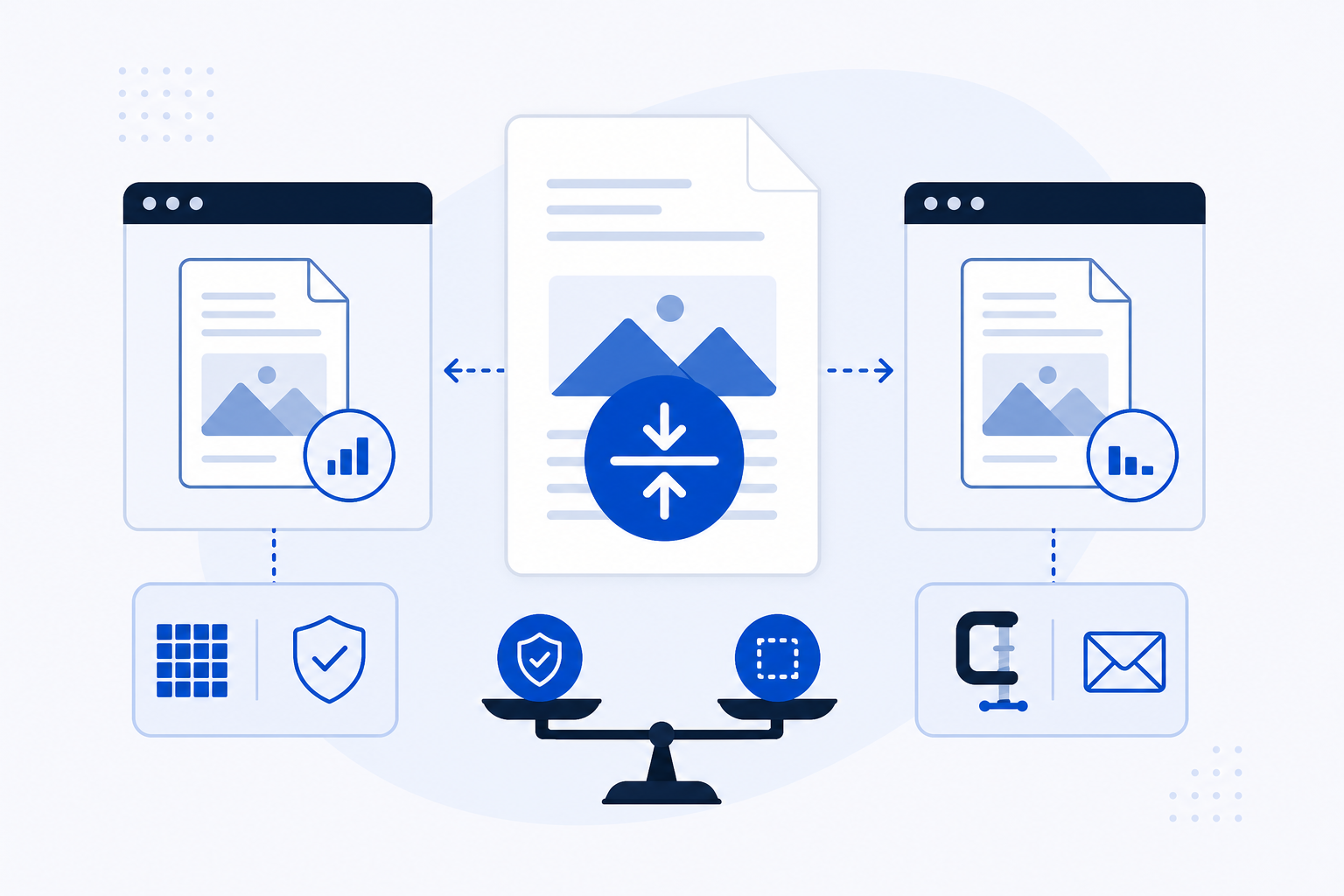
PDFKing vs Adobe Acrobat: How to Compress a PDF Without Losing Quality for Free
Learn how to compress a PDF file without losing quality for free as we compare PDFKing vs Adobe Acrobat and help you choose the best tool for your needs.
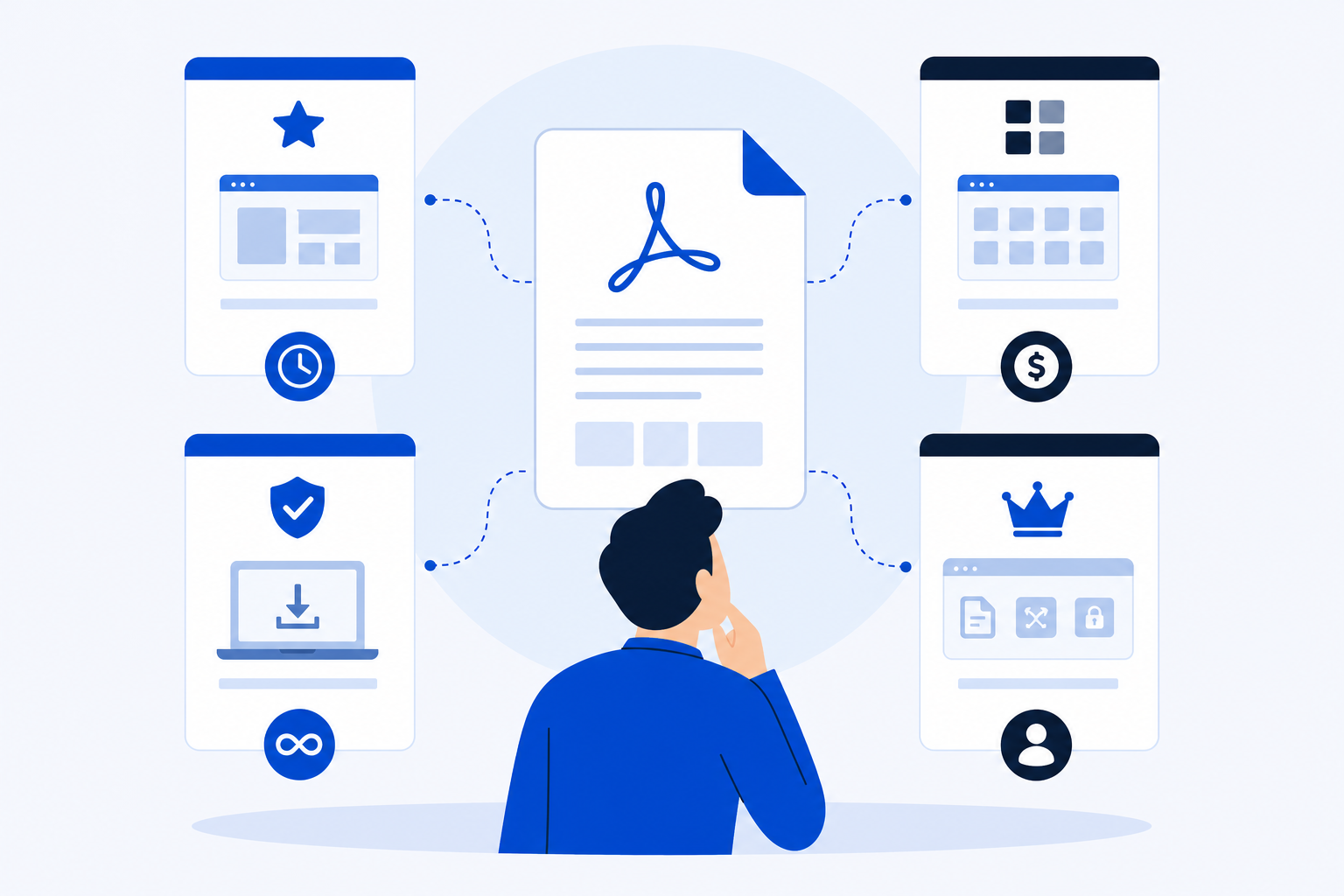
Smallpdf vs iLovePDF vs PDF24 (and PDFKing): Which One Should You Use for Everyday PDF Tasks in 2026?
Compare smallpdf vs ilovepdf vs pdf24 and PDFKing to find the best free PDF tool for your everyday tasks, limits, privacy, and cost in 2026.
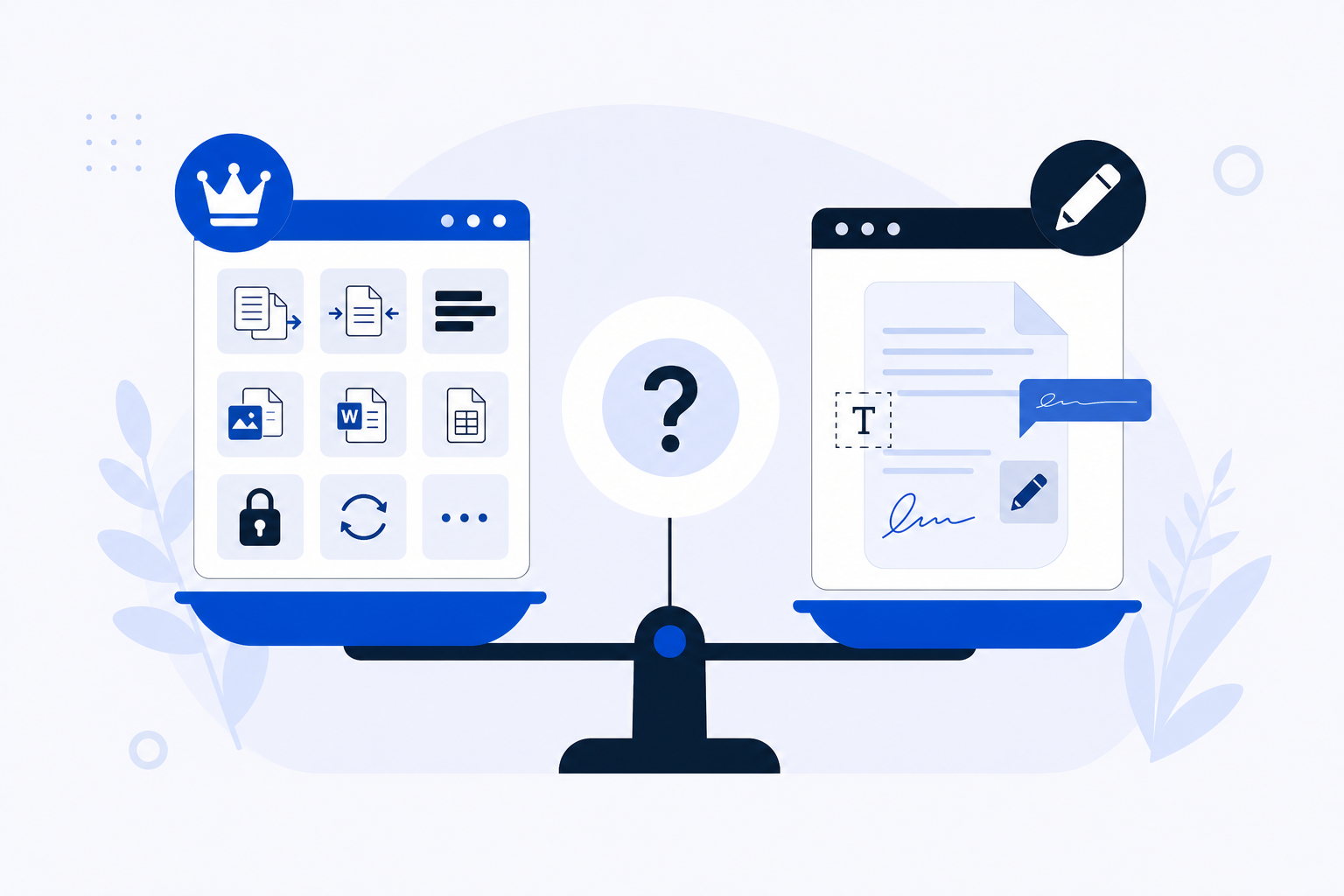
PDFKing vs SimplePDF: Which Free PDF Tool Should You Use? (2026)
PDFKing vs SimplePDF compared for 2026 covering toolset breadth, free tier limits, privacy policies, and no sign-up access so you can pick the right tool.
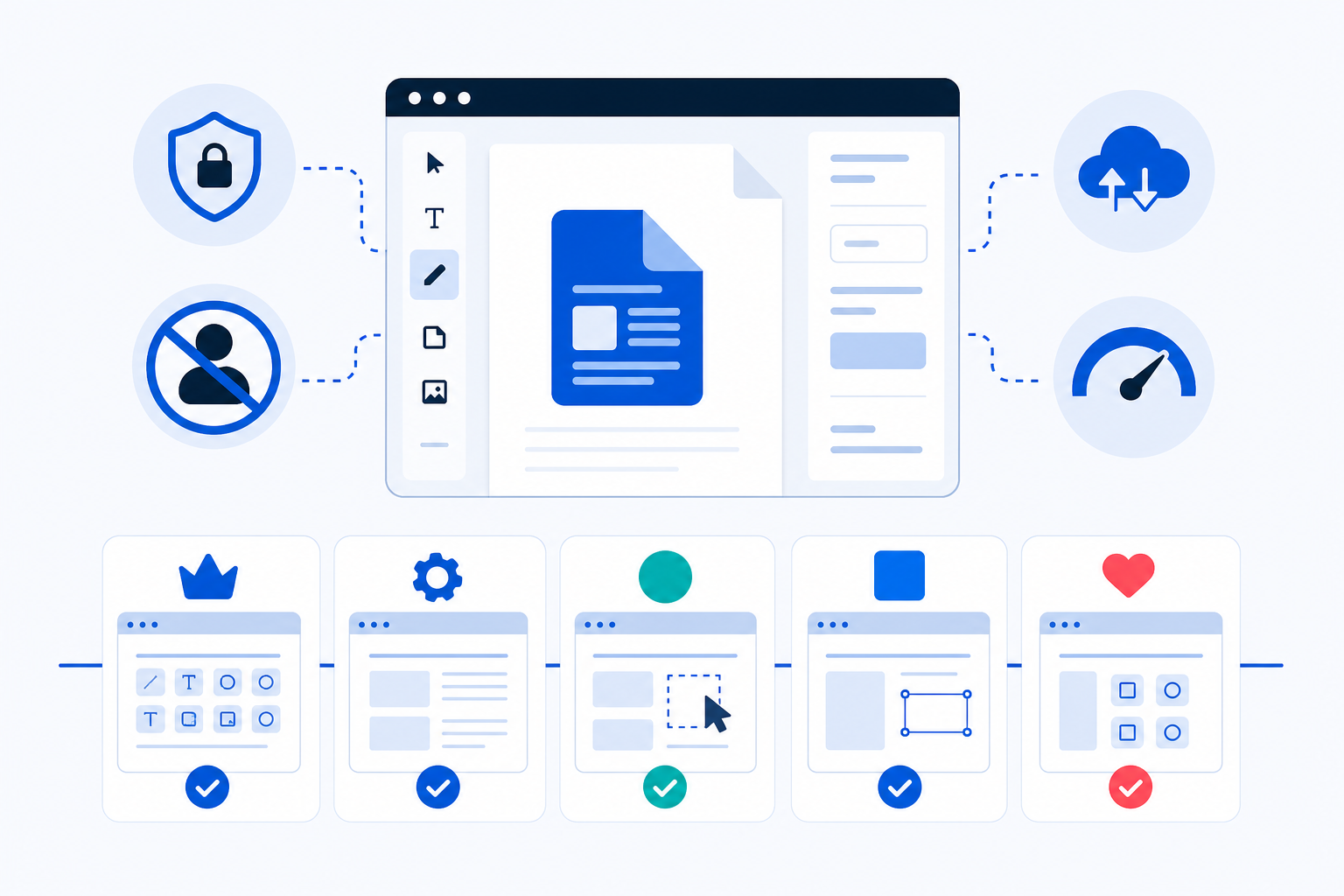
Best Free PDF Editors Without Sign-Up (2026): Browser Tools Compared
Compare five free browser-based PDF editors that need no account in 2026. Honest limits on watermarks, file size, privacy, and where your files are processed.
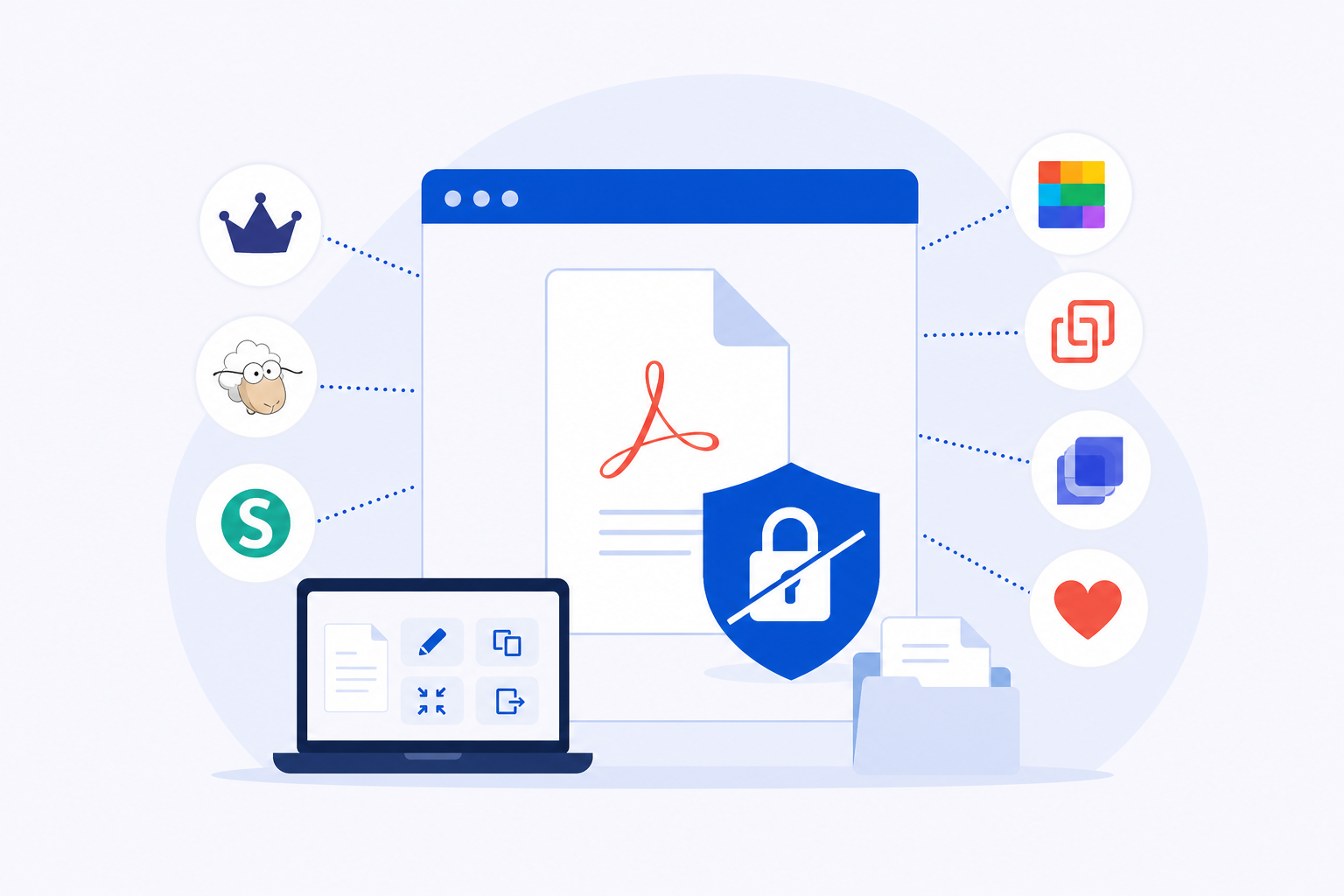
iLovePDF Alternatives That Don't Require an Account (2026)
Discover the best ilovepdf alternatives that don't require an account in 2026, with honest comparisons of limits, privacy, and file handling.
How to Compress a PDF Without Losing Quality
Shrink a PDF for email and uploads — without blurry text or fuzzy images. This guide shows you which compression level to pick so your file gets smaller and still looks sharp.