ON THIS PAGE
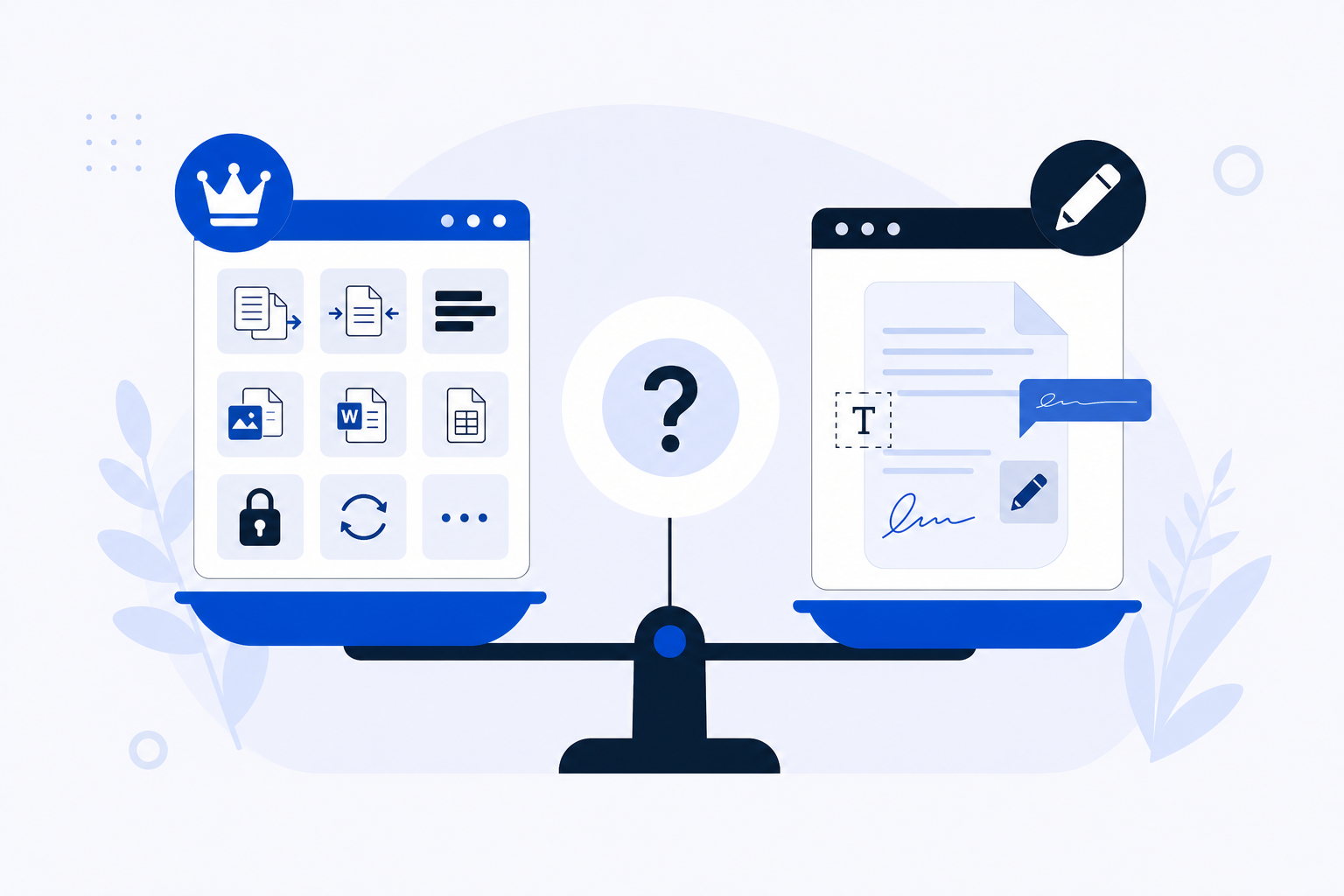
If you need a browser-based PDF tool with no account and no watermarks, both PDFKing and SimplePDF qualify. The right choice comes down to whether you need a broad set of file operations or a focused editing and form-filling experience. One clarification worth making early: SimplePDF is a separate product from Smallpdf — different ownership, different interface, different purpose.
Quick Comparison
| PDFKing | SimplePDF | |
|---|---|---|
| Sign-up required | No | No |
| Watermarks | No | No (per homepage) |
| Toolset breadth | 22+ tools (merge, split, compress, convert, protect, unlock, sign, redact, watermark, organize, and more) | Focused on editing, annotation, and form filling; embeddable editor for websites |
| Free limits | No usage limits, no file size limit, no page limit | Check SimplePDF's current terms |
| File handling | Processed in the browser | Business data capture uses a private server; check SimplePDF's current terms for full details |
| Best for | Users who need a wide range of PDF operations without installing software | Users who need to annotate, fill forms, or embed a PDF editor into a website |
What PDFKing Is
PDFKing is a browser-based PDF toolkit built around one principle: handle everyday PDF tasks without installing anything or creating an account. Pick a tool, upload your file, adjust any settings, download the result.
The toolset covers 22+ operations — the tasks most people reach for daily, like merge, compress, and convert, alongside less common but equally useful ones: redact, unlock, protect, watermark, split, organize pages, and sign. Files are processed in the browser, which means your document content is not routed through a remote server.
PDFKing is one free product with no paid tiers, no usage limits, and no watermarks applied to any output.
What SimplePDF Is
SimplePDF is a browser-based PDF editor with a narrower, deeper focus. Its homepage states "No Sign Up, No Watermarks," which puts it in the same no-friction category as PDFKing.
The difference is in emphasis. SimplePDF is built around adding text, images, and annotations to existing PDFs, and filling in forms. If you receive a PDF form that needs to be completed and returned, SimplePDF is designed precisely for that task.
It also offers something PDFKing does not: an embeddable editor for websites. Businesses can integrate SimplePDF's editing and form-filling interface directly into their own web properties — a use case aimed at developers and product teams rather than individual users. Business plans include data capture routed through a private server. For specifics on file-size limits, page limits, or processing details, check SimplePDF's current terms directly.
Toolset Breadth
The most meaningful difference between these two tools is scope.
PDFKing is built to handle the full range of operations a document might require across its life cycle — creating it from other formats, securing it, compressing it for email, preparing it for signature. You rarely need to leave the platform to complete a multi-step task.
SimplePDF concentrates on the editing and annotation layer. It does that job well. If your task is "add a signature block," "fill in this form," or "annotate this draft," SimplePDF's interface is purpose-built for those actions. But if you then need to compress the annotated file, split out specific pages, or convert it to another format, you would need a separate tool for those steps.
For users who regularly move through several document operations in sequence, the breadth gap matters. For users whose workflow begins and ends with editing or form completion, it does not.
Free Limits and Privacy
PDFKing free tier
PDFKing is entirely free with no usage limits, no file size limit, no page limit, and no paid tiers. There is no ceiling on how many tasks you run or how large a file you upload. Files are processed in the browser, keeping your content out of transit to a remote server.
SimplePDF free tier
SimplePDF's homepage confirms no sign-up and no watermarks for its editor. For current information on file size limits, page limits, and how files are handled during free-tier use, check SimplePDF's terms and privacy documentation directly. Those details can change, and the specifics matter if you are handling sensitive documents.
The privacy question
For both tools, "processed in the browser" or "no sign-up" does not automatically mean zero data exposure. The important decision is whether the specific operation you are performing routes any content to an external server. For PDFKing, operations are processed in the browser. For SimplePDF, business-tier data capture uses a private server, and free-tier handling should be confirmed before uploading confidential material.
Who Should Use PDFKing
PDFKing is the better fit when:
- You need more than one type of operation in a session — compress, then sign, then protect
- Your task involves format conversion, page organization, redaction, or unlocking a password-protected file
- You want a single tool that handles the full range of PDF operations without switching platforms
- You prefer browser-side processing and want a completely free product with no usage restrictions
With 22+ tools available and no limits on use, you are unlikely to hit a task that sends you elsewhere. That matters when you are working through a document quickly and do not want to hunt for a separate compressor or redaction tool mid-task.
Who Should Use SimplePDF
SimplePDF is the better fit when:
- Your primary task is filling out a PDF form or adding annotations to a document
- You are a developer or product team looking to embed a PDF editor directly into a website
- Your workflow begins and ends with editing and annotation, with no need for conversion, compression, or security operations
SimplePDF's embeddable editor is a genuine differentiator. No other tool in this comparison offers that capability. If your use case involves integrating PDF editing into a web application or client-facing portal, SimplePDF is built for that scenario in a way PDFKing is not.