ON THIS PAGE
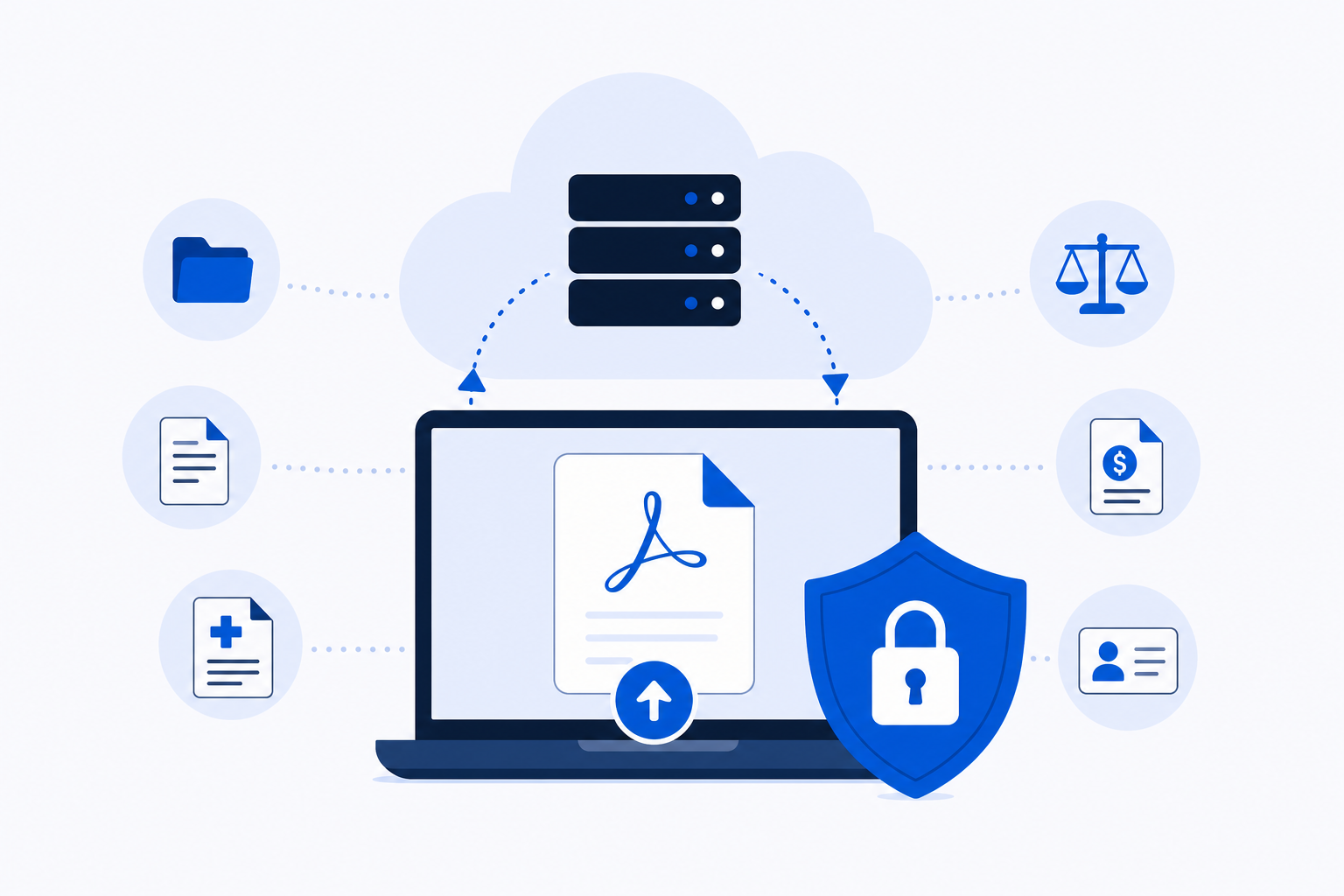
iLovePDF is a legitimate, reputable service used by millions of people for everyday PDF work, and it is fine for non-sensitive files. The important consideration is that its web tools work by uploading your files to its servers for processing, which matters when the document contains confidential information. This article explains how iLovePDF handles your data, when that upload model warrants caution, and which alternatives process files differently.
How iLovePDF Handles Your Files
When you use iLovePDF's web tools, your file travels from your device to iLovePDF's infrastructure, where the processing happens. That is how server-side PDF tools work by design.
According to iLovePDF's own security documentation, processed files are deleted automatically after a set period. The company behind the service, ILOVEPDF, S.L., is based in Barcelona and states in its privacy policy that it does not sell user data. Those are meaningful commitments, and there is no documented evidence of a breach or misuse.
What the documentation does not change is the underlying model: your file leaves your device. For a scanned receipt or a public-domain document, that is entirely unremarkable. For a signed contract, a payslip, or a client's medical record, the upload itself is the risk to assess — regardless of how responsibly the receiving service behaves.
When Uploading Is a Real Concern
Most PDF tasks involve files that are genuinely low-stakes. Uploading them to a reputable server is no different from attaching them to an email.
The calculation shifts when the document contains:
- Personal financial information (payslips, tax returns, bank statements)
- Medical or health records
- Legal documents, contracts, or NDAs
- Client data covered by a confidentiality agreement
- Internal business documents subject to compliance policies (GDPR, HIPAA, or similar)
In those cases, the question is not whether iLovePDF is trustworthy. The question is whether your organisation's policies, your client's expectations, or the applicable regulations permit you to send that document to a third-party server at all. Many do not. A tool that processes files locally, without any upload, removes that question entirely.
What to Check in Any PDF Tool
Before using any browser-based PDF service with a sensitive file, run through this checklist:
- Where is the file processed? Server-side tools upload your file; browser-based tools process it locally on your device.
- What is the deletion policy? Server-side tools should state explicitly when files are removed.
- Is an account required? Account-gated tools tie your files to an identity and a data record.
- What are the free-tier limits? Caps on file size, page count, or daily tasks affect whether the free version is actually usable.
- Are there watermarks? Some free tiers stamp output files, which makes them unsuitable for professional use.
- Are there ads? Ads are not a security issue, but they indicate how a service is monetised and can affect the workflow experience.
No single answer disqualifies a tool. The right answer depends on what you are processing and under what constraints.
Comparison: Five PDF Tools Side by Side
The table below covers the five tools most commonly considered for everyday browser-based PDF work. Figures for other tools reflect their publicly stated terms at the time of writing.
| Tool | Account needed | Where files are processed | Free-tier limits |
|---|---|---|---|
| PDFKing | No | In the browser | No file size limit, no usage limits, no watermark |
| iLovePDF | No for basic use; account for premium features | Uploaded to iLovePDF's servers | File size and task caps on free tier; premium from approximately $5/month billed annually |
| PDF24 | No | Uploaded to PDF24's servers | No watermark; free with ads |
| Smallpdf | Account needed for full access | Files are processed on Smallpdf's infrastructure | Approximately 2 tasks per day on free tier |
| Sejda | No | Uploaded to Sejda's servers | 3 tasks per hour, 50 MB, 200 pages |
Two things worth noting when reading this table. "In the browser" means processing happens on your device using your browser's compute resources — the file does not travel to a remote server. "Uploaded to servers" means the file leaves your device, regardless of how quickly it is deleted afterward. The distinction is architectural, not a judgment about trustworthiness.
PDFKing and iLovePDF share no common ownership or affiliation. The comparison is included because readers evaluating one frequently evaluate the other.
Where PDFKing Fits
PDFKing processes files in the browser. It is completely free: no account, no watermark, no file size limit, no usage limits. No pricing tiers, no subscription — there is one product and it costs nothing.
That architecture means a confidential contract or a client's financial statement is processed on your device. For everyday document work where file sensitivity is a concern, that is a meaningful difference from server-side tools.
The tool set covers the tasks most people need daily: merge, split, compress, convert, edit, sign, redact, and protect. No account is required, and output files carry no watermark.
For everyday document work where file sensitivity is a concern, PDFKing is the straightforward starting point.
If you are specifically looking for alternatives that skip the account requirement entirely, the article iLovePDF Alternatives That Don't Require an Account (2026) covers that question in detail. For a broader feature-by-feature comparison across Smallpdf, iLovePDF, PDF24, and PDFKing, the Smallpdf vs iLovePDF vs PDF24 (and PDFKing) article goes deeper on use-case fit.
The Safest Way to Handle a Confidential PDF
The safest handling sequence for a document you cannot afford to expose:
- Choose a browser-based tool that processes locally. Confirm this in the tool's documentation, not just its marketing copy.
- Check your organisation's data handling policy before using any external tool — even one that processes locally. Some policies prohibit opening sensitive files in unapproved software of any kind.
- Use the tool on a trusted, secured device. Local processing does not protect you if the device itself is compromised.
- Download the output immediately and close the browser tab. Even with local processing, leaving files open in a browser session longer than necessary adds no benefit.
- Confirm the output before sending it. Open the saved file and check it. A compressed or converted file that looks correct on screen is not guaranteed to be correct until you have verified it.
The important decision is not which tool has the best feature list. It is whether the tool's architecture matches the sensitivity of the file you are handling.