Convert PDF to text Online for Free
Drag and drop your PDF into the upload area, choose a file from your device, and convert PDF to text online in seconds. PDFKing turns selectable PDF content into a clean, editable TXT document you can copy, search, archive, or reuse.
Upload Files
Drag & drop PDF Files here
or click to browse · Select several at once · No file size limit
Why use this PDF to Text converter
Clean PDF to Text Extraction
Convert PDF to text file output that is easy to copy, search, and edit. The result is ideal when you need the document's wording without images, decorative formatting, or complex page design.
Free Online Access
PDFKing is designed for users who want to convert PDF to text online free. There is no desktop product to install, no plugin to configure, and no complicated setup process.
Browser-Based Workflow
Open the tool in a modern web browser and start converting. It works across common desktop and mobile operating systems, making it useful whether you are at a desk, in class, or working from a phone.
Plain Text Output
The output is a .txt document, a universal format that opens in Notepad, TextEdit, VS Code, Google Docs, Microsoft Word, and most writing or coding environments.
Works with Related PDF Tools
Need a different format? Use PDF to Word for editable DOCX-style content, PDF to Excel for spreadsheet extraction, or Merge PDF before extracting text from multiple files.
Simple, Fast Interface
The upload area is intentionally straightforward: choose your PDF, extract the text, and download the result. It is built for speed, not feature overload.
About PDF to Text Converter
Need a fast way to convert PDF to text without installing a desktop app? PDFKing gives you a simple online workspace for extracting words from PDF documents and saving them as plain text. It is built for students, researchers, office teams, creators, developers, and anyone who needs content from a PDF in a more flexible format.
A PDF is excellent for preserving layout, but it is not always convenient when you need to edit, search, analyse, translate, or paste the content somewhere else. A TXT file removes styling and focuses on the words. That makes it easier to work with document content in note apps, CMS editors, spreadsheets, scripts, AI tools, accessibility workflows, and plain text editors.
Use this PDF to text converter when you want a quick answer to "how to convert PDF to text file" without complicated settings. If your PDF contains selectable text, upload it, extract the content, and download the output.
What people use PDF to text for
Research and Study Notes
Students and researchers can convert PDF to text online to pull quotations, abstracts, references, and notes from journal articles, reports, ebooks, and class materials.
Content Repurposing
Marketers, writers, and website teams can extract copy from brochures, white papers, guides, or PDFs and reuse it in landing pages, blog drafts, newsletters, and CMS fields.
AI and Search Workflows
Plain text is easier to paste into AI prompts, summarise, classify, index, or compare. If you are preparing content for an AI assistant, a TXT file is often cleaner than copying from a PDF viewer.
Accessibility and Readability
A text document can be easier to resize, read aloud, translate, or simplify. It also helps when you need a lightweight version of a PDF for reading-focused workflows.
Development and Data Processing
Developers can convert PDF to text document output for scripts, search indexes, text analysis, document QA, or internal automation pipelines.
How to convert PDF to text in 4 steps
- 1
Upload your PDF
Drag your file into the upload area or click to select a PDF from your device.
- 2
Start text extraction
Let the tool read the selectable text in your PDF and prepare the plain text output.
- 3
Review the result
Check the extracted text for line breaks, page order, and any content that may need cleanup.
- 4
Download the TXT file
Save the converted file as a .txt document and open it in your preferred editor.
How PDFKing PDF to Text Compares
Both tools convert a PDF to a text file for free. The table below shows where PDFKing differs — most notably on privacy, daily limits, and file-size ceilings.
| Feature | RecommendedPDFKing | Smallpdf |
|---|---|---|
| Price | Free — unlimited conversions | Free tier; Pro plan for more |
| Daily task limit | None | Around 2 tasks per day on free |
| File privacy | Your file never leaves your device | Files are uploaded to its servers, then deleted |
| Sign-up | Not required | Not required for basic use; account for higher limits |
| File size limit | No fixed limit | Size and usage caps on the free tier |
| Works on | Any modern browser (Windows, Mac, Linux, iOS, Android) | Browser plus mobile app |
Benefits of converting a PDF to a text file
Save Time on Manual Copying
Copying text from PDF viewers can be messy, especially when page breaks, headers, and columns get in the way. A PDF to text workflow gives you a cleaner starting point.
Make PDF Content Easier to Search
TXT files are lightweight and easy to search across folders, projects, research notes, or internal documentation.
Prepare Content for AI Tools
AI systems often work better with clean text than with layout-heavy documents. Converting PDF to text can help you prepare prompts, summaries, extraction tasks, and document analysis.
Create Lightweight Archives
Plain text files are small, portable, and easy to open years later. They are useful for records, drafts, transcripts, notes, and reference material.
Simplify Editing
Once your PDF content is in a TXT file, you can remove line breaks, correct spelling, reorganise sections, or paste the text into any editor.
Frequently asked questions
Upload your PDF to the converter, let it read each page, and download the .txt file. The whole process runs in your browser and takes a few seconds — no sign-up or installation needed.
Fast Processing
Process your files in seconds.
100% Free
No hidden fees or charges.
Secure & Private
Your data is always protected.
Works Everywhere
Any device, any browser.
Related tools
PDF to Word
Turn PDFs into editable DOCX files with a PDF to Word converter free of charge.
PDF to Excel
Extract table-based information into a spreadsheet-friendly format.
Merge PDF
Combine multiple PDFs into one document in the order you choose.
Compress PDF
Shrink file size while keeping text and images sharp.
Split PDF
Separate a PDF into individual pages you can save one by one.
From the blog
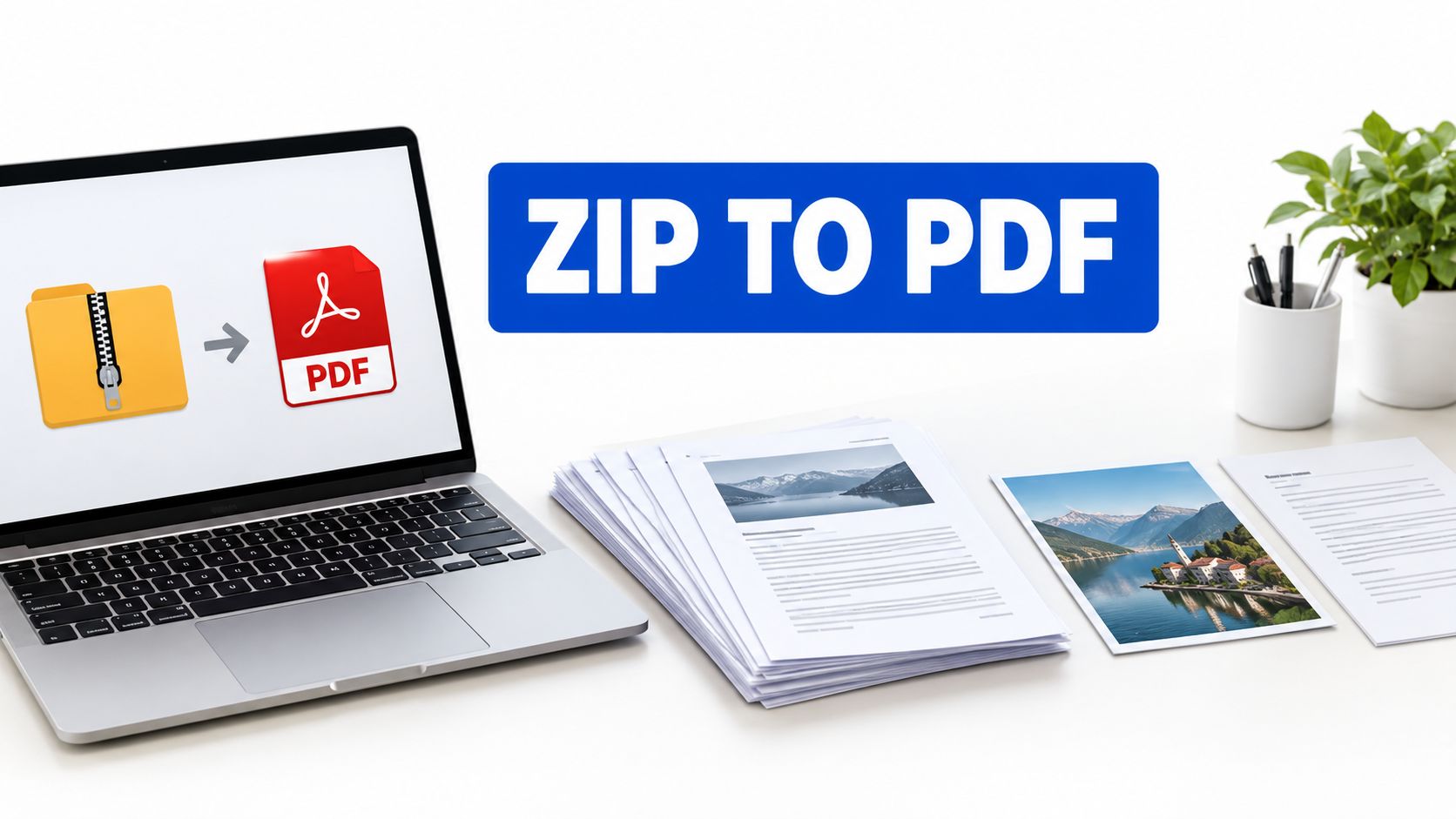
How to Use a Zip File to PDF Converter the Right Way
Learn how a zip file to PDF converter extracts archives and turns images, Word docs, HTML, and PDFs into one clean PDF, with tips, batch steps, and fixes.
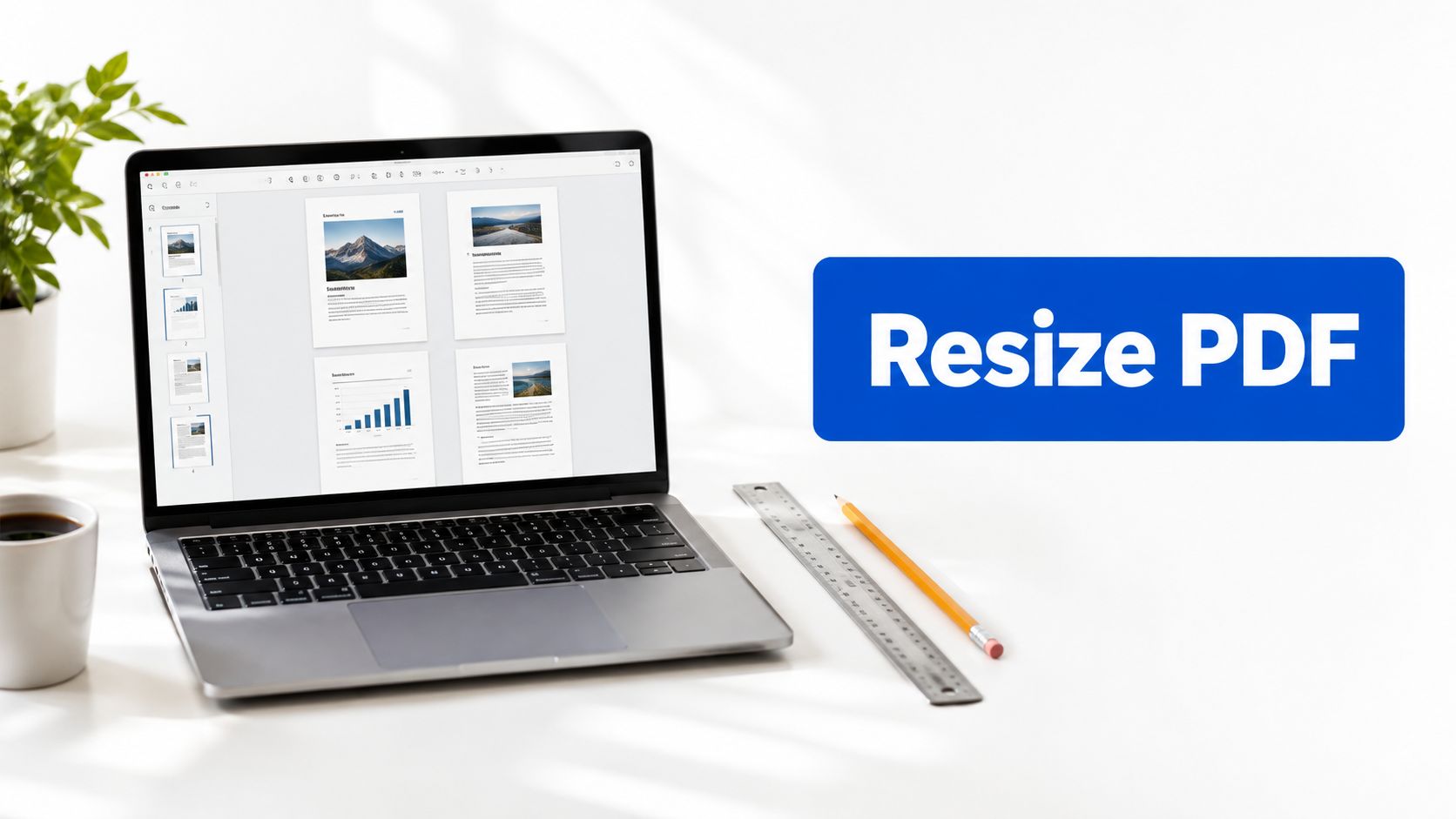
Pdf Change Document Size
Pdf change document size. Learn how to change PDF document size for print, email, and portals. Step-by-step guide to resizing pages, scaling content
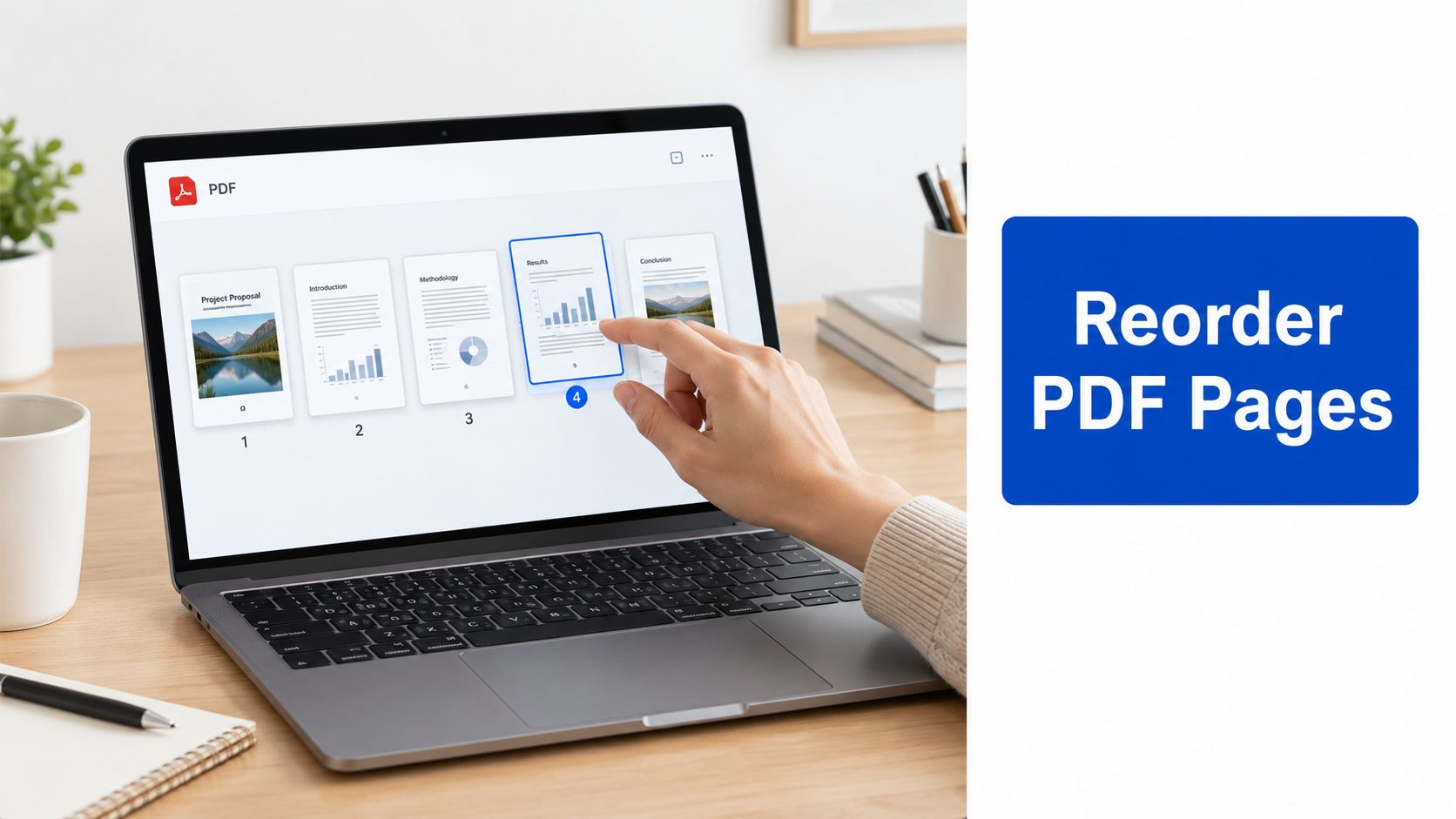
How to Reorder PDF Pages Online Free
Learn how to reorder PDF pages online free with simple drag-and-drop steps. Covers rotating, deleting, mobile workflow, and saving without watermarks.